
Share this post
Tax software integrations: everything Filed connects to
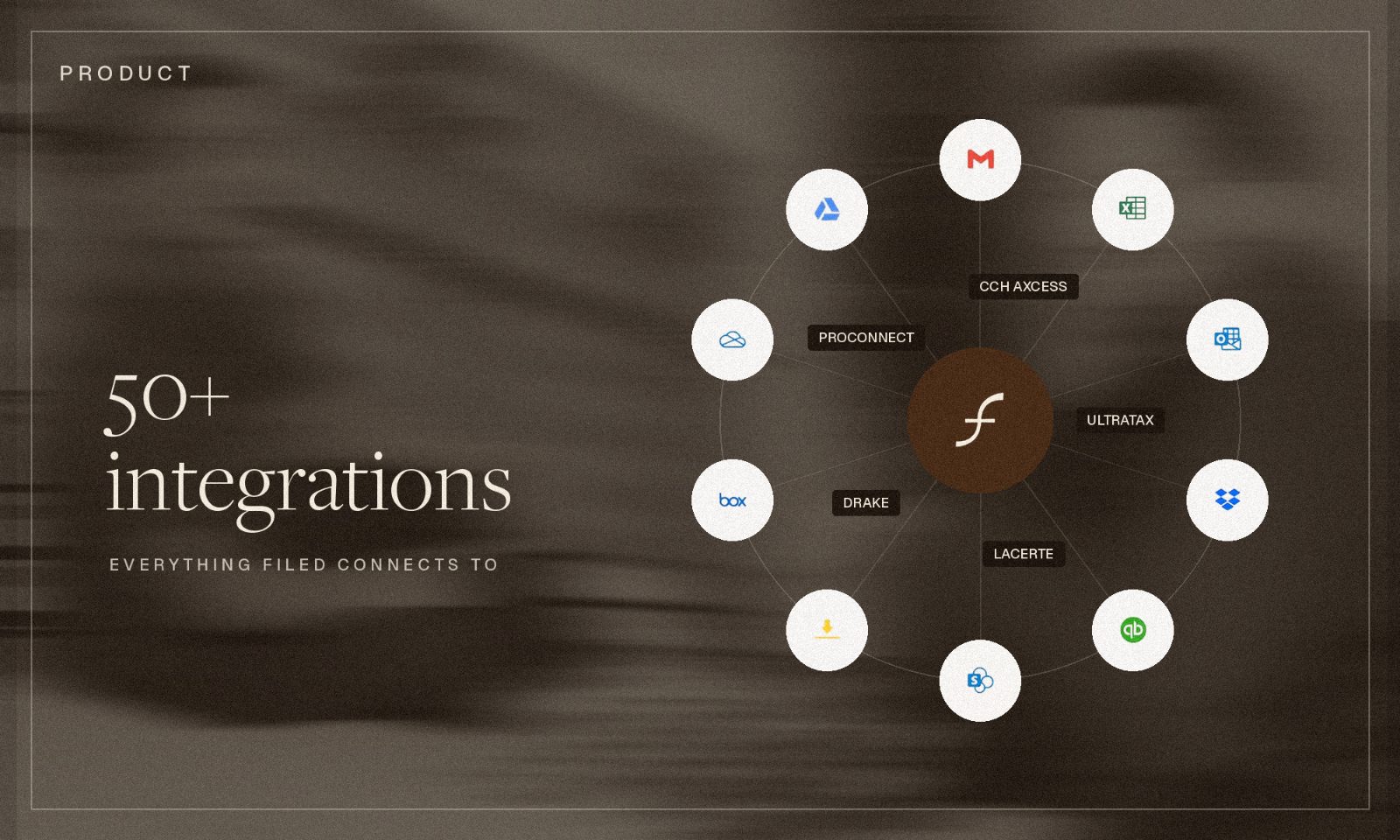
Filed connects to more than 50 systems: professional tax software, practice management, document storage, accounting and payroll, email, e-signature and CRM. Every connection has two settings:
- Read access. On, so Filed can see and pull what is already in the system. Nothing in it changes.
- Write access. A separate switch, off until the firm turns it on. It lets Filed put something back: figures into a return, an approved email, a folder.
What does Filed connect to?
Filed connects to the systems a mid-sized firm already runs, grouped here by what the firm uses them for. The full directory, connection by connection, is at Filed's integration directory.
- Tax software. CCH Axcess, Lacerte, Drake, ProConnect
- Practice management. Karbon, Canopy, Financial Cents, Truss, Qount
- Hosting and IT. Rightworks, Verito
- Document management. SmartVault, SharePoint, Box, Dropbox, Google Drive, OneDrive, Egnyte
- Accounting and bookkeeping. QuickBooks Online, NetSuite
- Payroll, spend and payments. Gusto, Ramp, Brex, Stripe, Square
- Email and calendar. Outlook, Gmail, Google Calendar, Calendly
- E-signature. DocuSign, Dropbox Sign, PandaDoc
- CRM and work management. Salesforce, HubSpot, Asana, ClickUp, monday.com, Trello, TaxDome
- Productivity. Microsoft Excel, Google Sheets, Google Docs, Notion, Airtable
Two of those groups behave differently from the rest. Practice management is a two-way sync, so clients and jobs come into Filed and job status goes back out, and the practice management tool stays the place work is assigned and tracked. Rightworks and Verito are hosting, so Filed runs inside the hosted desktop the firm already has rather than asking IT to carve out an exception.

What is the difference between read access and write access?
Read access means Filed can look at what a system already holds and bring it in. Nothing in the firm's system changes. Write access means Filed can put something back, and it is a separate permission granted per connection.
The two carry different risk. A read connection that goes wrong shows Filed the wrong document. A write connection that goes wrong changes something in a system of record. So they are never granted together by default, and the firm decides if and when the second one happens.
Filed's connector documentation says it the same way for each system: read access is on, write access is a separate switch, and firm approval is worth having before it is enabled. The IRS asks firms to apply that kind of diligence to any service provider handling taxpayer data in Publication 4557, Safeguarding Taxpayer Data.
What can Filed do with read access alone?
With read access only, Filed assembles the client binder and checks the draft return against the documents behind it. Filed pulls from 40+ systems this way, and none of them are altered.
Every connection authenticates through the provider's own sign-in and runs on the firm's credentials and permissions. A staff member who connects Filed cannot reach anything that person could not already open, and no password is entered into Filed.
What changes when write access is on?
Write access does something different in each system, which is why it is granted one connection at a time. Filed keeps a human approval step in front of each of them.
- Tax software. Filed Prep drafts the return inside the software the firm already licenses, enters the figures it is confident in, and flags the ones it is not.
- Email. Filed sends a follow-up the preparer has approved, from the firm's own address. See the Outlook connection for what that involves.
- Document management. Filed can create an approved folder structure rather than asking the firm to reorganise around it.
- Accounting. Filed can prepare or run approved updates that the accounting system supports.
Filed does not file returns and does not sign off work, with write access on or off. Those stay with the firm.
Which tax software does Filed write into?
Filed writes into CCH Axcess, Lacerte, Drake and ProConnect, once the firm enables it.
Filed Prep handles the rolled-over screens and the depreciation schedules, and attaches every figure to the box on the source document it came from. Coverage includes 1040, 1041 and 990 work rather than 1040 alone. A preparer opens a return that has already been started.
For other tax software, Filed can still work from the PDF. Filed Reviewer and Filed Tax Planner read the draft return as a PDF, so a firm gets the review and the plan without Filed writing into the software at all.
Why does Filed default to read access?
Because reading pays off in the first week at a risk the firm can price, and writing has to be earned.
A firm that hesitates before letting software write into its systems is reading that risk correctly. Defaulting to read means a firm can run Filed for a season, watch it be accurate against documents its own people can check, and turn on write access when it is ready. Nothing in that sequence asks the firm to move off software it already runs, which is the same argument as why consolidating a firm's tech stack usually costs more than it saves.
Prowork extends the same idea into the spreadsheet, where a workpaper gets built in the sheet instead of exported into it.
Frequently asked questions
Does Filed work with our tax software? Filed writes into CCH Axcess, Lacerte, Drake and ProConnect. For other tax software, Filed can still work from the PDF of the draft return, which is what Filed Reviewer and Filed Tax Planner read.
Is write access on by default? No. Read access is on so Filed can pull documents and records. Write access is a separate switch per connection, and the firm turns it on.
Does Filed replace our practice management tool? No. Karbon, Canopy, Financial Cents, Truss and Qount sync both ways, and the practice management tool remains the system of record for assignment and status.
Can Filed send email from our accounts? Only with write access enabled on that connection, and only a message somebody at the firm has approved. It sends from the firm's own address and lands in Sent Items like any other message.
What if the software our firm runs on is not connected? Tell us which tool and what you would want it to do. Requests from firms are what the next round of connections gets picked from.
The IRS also publishes practical guidance for firms evaluating any technology vendor at Protect your clients; protect yourself.
Subscribe to our newsletter
Explore our latest insights
Discover valuable articles to enhance your knowledge.